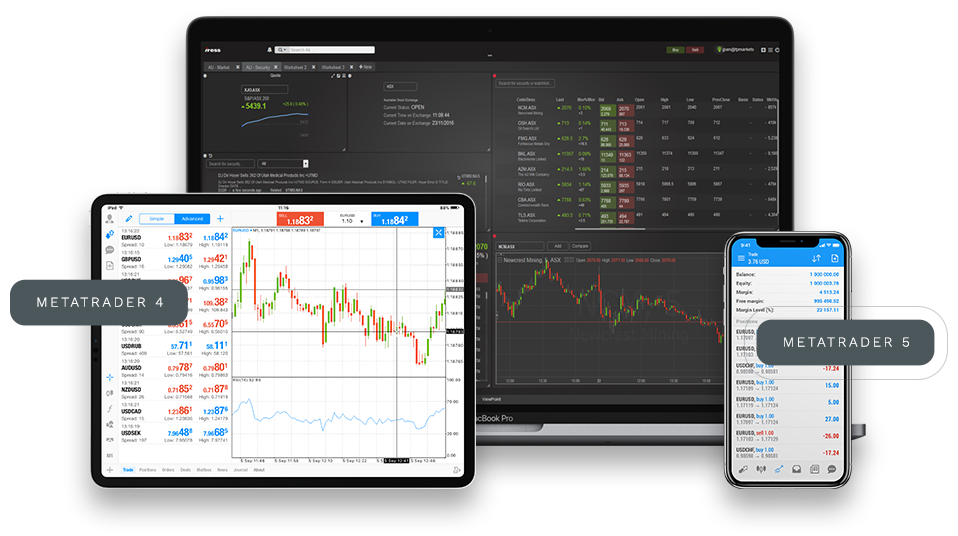
Combines market quotes, chart analysis, algorithmic trading, and account management. Supports Forex, precious metals, indices, stocks, futures, and commodities for both desktop and mobile use.
MetaTrader 5 works on PC, tablet, and mobile. Check quotes, switch charts, manage orders, and track account changes anytime. Whether you analyze on desktop or trade on the go, your workflow stays continuous.
Try Now

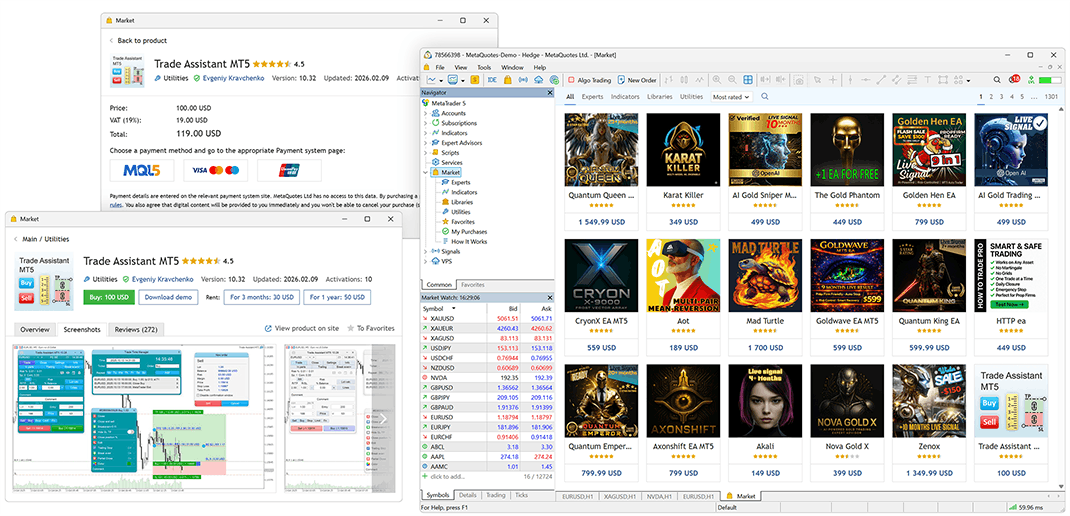
Price snapshots of popular Forex, precious metals, stocks, indices, and crypto instruments to help you quickly follow multi-market moves.
From multi-asset quotes and professional charts to EA automation, MT5 gives traders at every stage a complete toolkit for analysis and trade management.
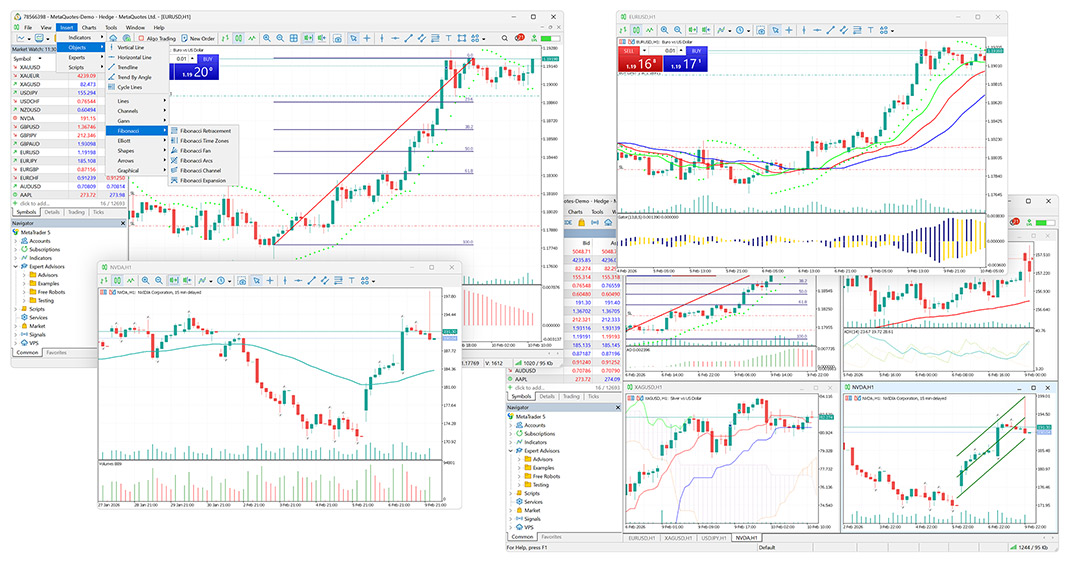
Supports Forex, precious metals, indices, energy, stocks, futures, and commodities. View multiple markets in one platform and reduce the cost of switching tools.
Works on Windows, Mac, Android, and iOS. Run deep chart analysis on desktop, then check quotes, alerts, and accounts on mobile whenever you need.
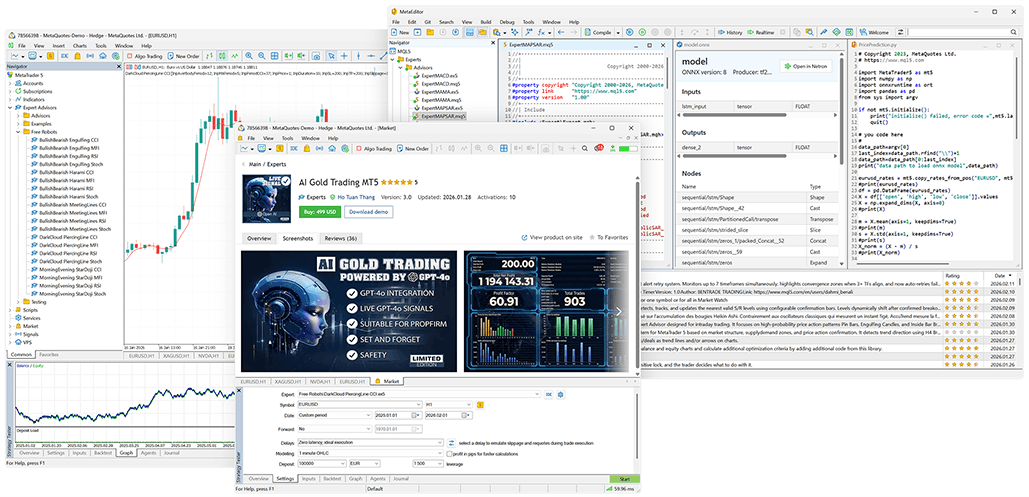
Includes multi-timeframe charts, indicators, and drawing tools, plus EA trading, strategy testing, and automated execution for discretionary, research, and systematic traders.
MT5 focuses on quotes, order management, and multi-device usability. Configure charts, indicators, and alerts to match your workflow and improve day-to-day efficiency.
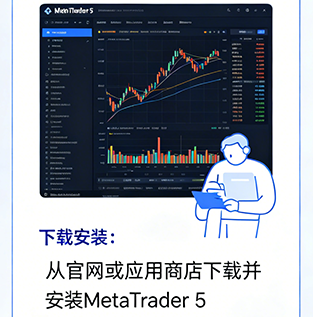
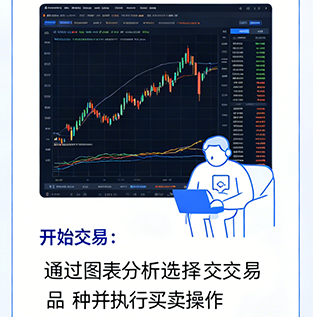
Choose the version for your device, install it, log in, then start checking quotes, analyzing charts, and managing trades.
Pick Windows, Mac, Android, or iOS for your device, then go to the download page for the matching installer or app link.
Follow the installer prompts, open MT5, search for your server, log in to an existing account, or create one with your broker’s guidance.
Add your preferred instruments, open charts, and set indicators, timeframes, and alerts. Start with a demo account to learn the tools before managing live trades.
MT5 offers multi-language interfaces and multi-device access for traders in different regions. Whether you use a PC or a phone, you keep a familiar workflow for quotes, charts, and accounts.
MT5 provides multi-timeframe candlestick charts, common indicators, drawing tools, and chart templates, including trendlines, channels, and Fibonacci tools for more structured market analysis.
With EA automation, you can turn trading rules into executable strategies and test or optimize them on historical data—helpful for reducing repetitive work and improving execution discipline.
MT5 supports custom indicators, scripts, and trading tool extensions so you can shape an analysis environment that fits your style and build a better personal trading workspace.
Desktop and mobile downloads for deep chart analysis, on-the-go monitoring, and account management.
Best for deep desktop analysis, multi-chart layouts, EA strategy testing, and account management.
Download Windows
For Android users who need mobile charts, quote alerts, order management, and account tracking.
Download Android
For Mac users who analyze markets, manage charts, and operate trading accounts on desktop.
Download Mac
For iPhone and iPad users who want to check markets, analyze charts, and manage accounts anytime.
Download iOS
I mainly use MT5 to watch Forex and gold. Multi-timeframe charts are easy to switch. Pending orders, stop-loss/take-profit, and order management sit in one place, which is more efficient for short-term trading.
MT5 historical data and chart tools help a lot with reviews. I usually combine daily and 4-hour charts with indicators to plan trades and track longer-term trends.
I can't keep a PC open all day, so the mobile app helps me check quotes and account changes quickly. At key price levels, I can open charts right away to confirm the move.
I care most about strategy testing and automation. MT5 lets me validate strategy logic on historical data, then tune parameters—great for systematic research.
At first I mainly used candlesticks and common indicators. There are many features, but once you get familiar, charts, symbols, and order management feel clear and good for gradual learning.
I follow Forex, gold, indices, and crude oil at the same time. MT5 keeps different symbols in one list, so switching is easy without opening multiple apps.
Whether you follow Forex, precious metals, indices, stocks, or futures, MetaTrader 5 helps with quotes, chart analysis, indicators, EA strategy testing, and multi-device account management. Choose the version for your device and get started with MT5 quickly.
Download MT5 NowAvailable for Windows, Mac, Android, and iOS